Checklist: Check Data Before Import or Export
Goal
Check project and master data before data is imported, exported, or transferred to other systems.
Before Import
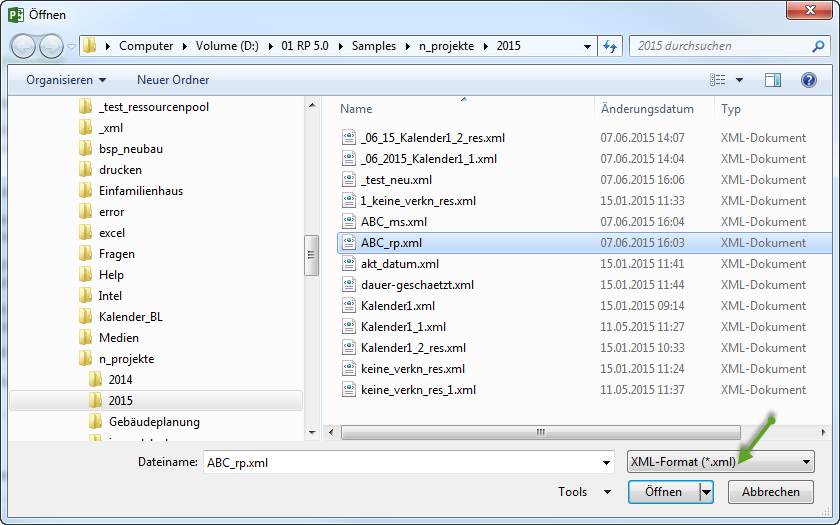
File format and source are known.
Project structure and outline are technically plausible.
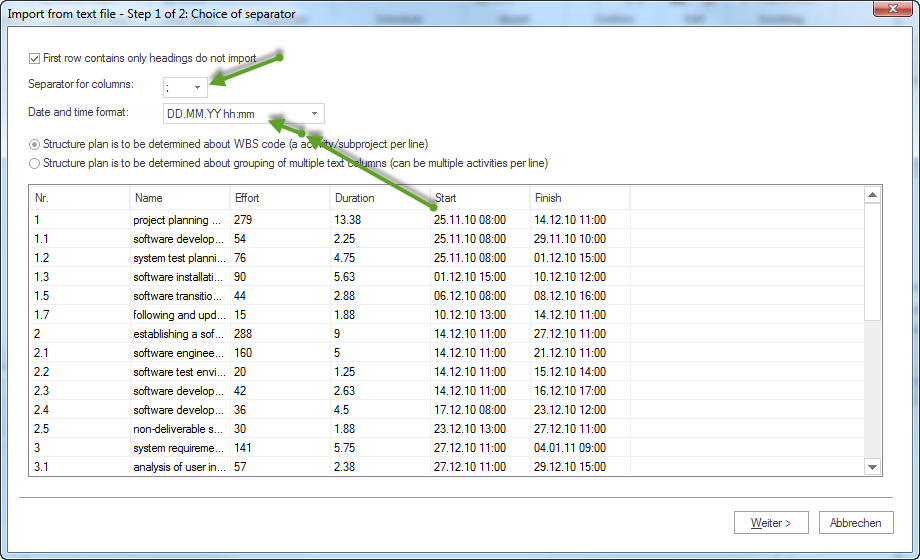
Calendars, working days, and time units fit the target project.
Resource names and professional qualifications are aligned.
Duplicate employees, roles, or resources are avoided.
Imported tasks are checked technically after import.

Before Export
Target system and required format are known.
Only required projects or tasks are exported.
Project status, dates, and responsible persons are current.
Resource and cost data may be passed on.
Confidential information was checked.
The export is opened and checked after creation.
Special Points for Server Operation
If Rillsoft Integration Server or Rillsoft Cloud is used, also check:
user rights for import, export, and project access
locks or simultaneous editing
central storage and folder structure
DMS assignment if documents are involved
feedback from time entry or vacation planning if relevant for export
After Import or Export
The project can be opened.
Tasks, dependencies, and dates are plausible.
Resources and calendars were transferred correctly.
Capacity balancing shows no unexpected effects.
For XML or external-system export, the result was checked in the target system.