Why Are Unassigned Resources Shown?
Unassigned resources mean that a task has role demand, that is a required professional qualification, but no named employee yet. This is a normal interim state in qualification-based planning or the result of an employee who was removed or is no longer available. Perform capacity balancing and assign suitable employees. Also check in the resource pool whether removed employees must be replaced.
Symptom
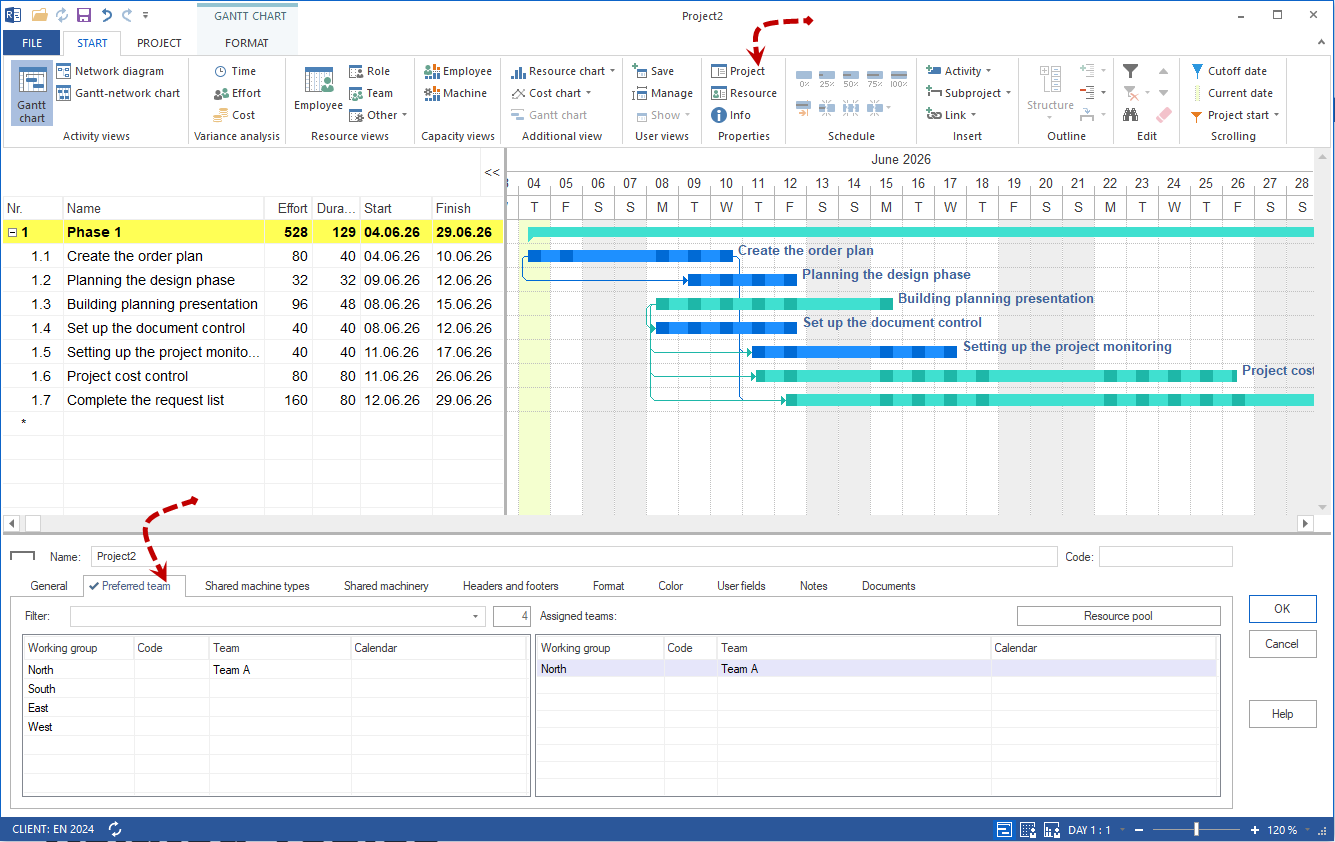
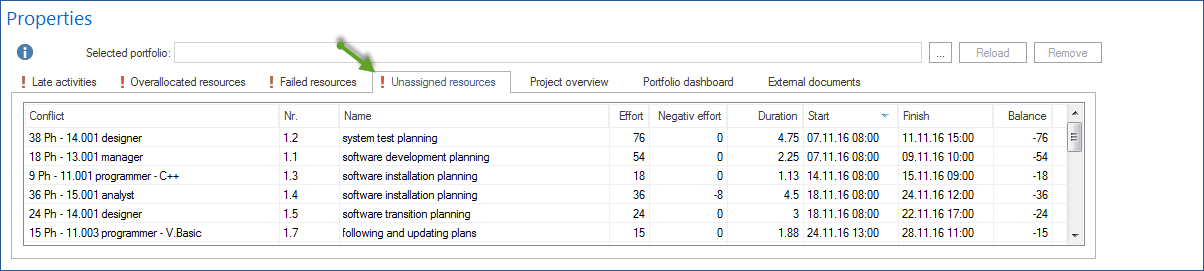
Under Start > Properties > Info > Unassigned resources, tasks appear although they are considered planned from a content perspective.
What This Means
The task contains role demand, meaning a required professional qualification, but no concrete employee. Resource demand is planned, but resource supply has not yet been assigned bindingly.
Cause 1: Planning Is Complete Only at Role Level
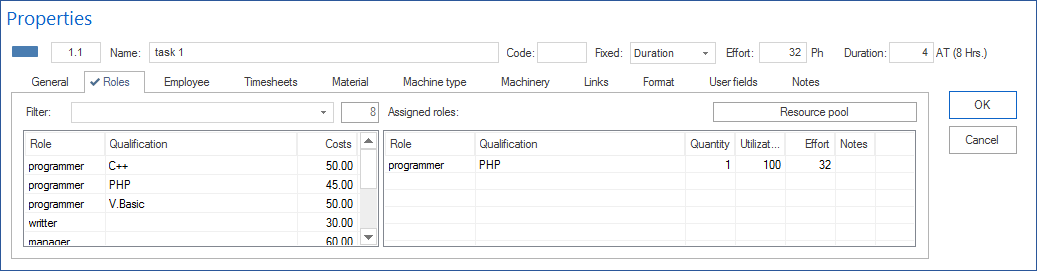
This is a normal interim state in qualification-based planning. First, role demand is planned. Then capacity balancing checks which employees are available.
Solution:
Perform capacity balancing and assign suitable employees.
Cause 2: Employee Was Removed or Is No Longer Available
If an employee was removed from the resource pool or has a leaving date, the assignment may no longer be valid.
Check:
Open the resource pool and check under Employee whether the employee exists and is available.
Solution:
Replace the employee with an available resource that has the required professional qualification.
Cause 3: Preferred Teams Exclude Suitable Employees
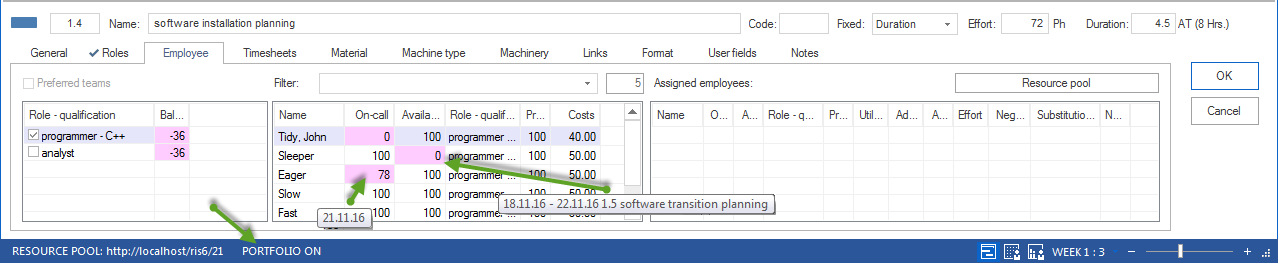
If preferred teams are used, only employees from those teams are available for assignment. If the required qualification is missing there, the task remains unstaffed.
Solution:
Extend the preferred teams or disable the restriction to preferred teams for the affected task.