Control Project Financing
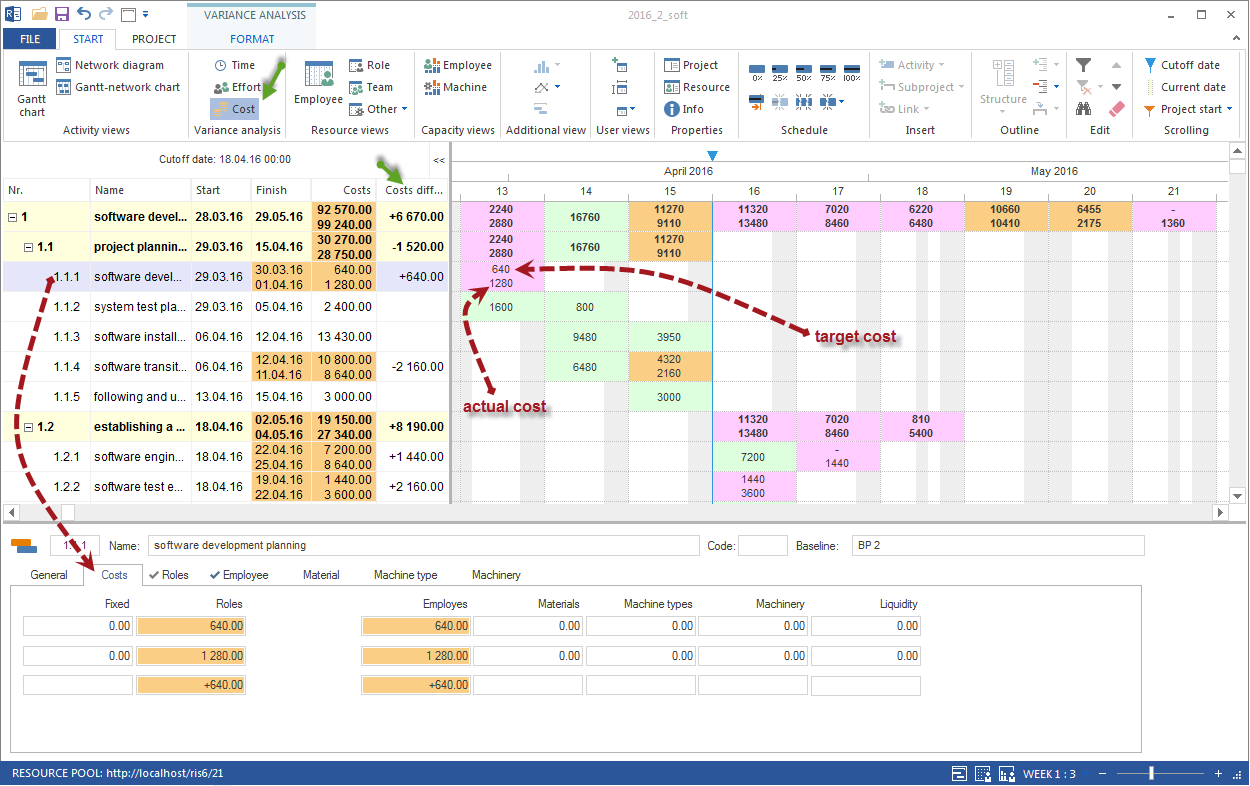
Project financing control adds a commercial perspective to target/actual comparison. It shows whether cost development and planned incoming payments fit together over time.
This evaluation is important when a project requires high advance financing, milestone payments are agreed, or payment periods affect liquidity.
When to Use It
Use financing control when:
project costs occur before incoming payments
invoicing or payment period is planned as a milestone
liquidity risks should be visible
commercial project owners need to check cost development
cost deviations from target/actual comparison must be evaluated
Workflow
Goal: Costs and financing are compared over time.
Workflow:
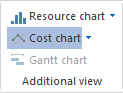
Open an additional cost diagram with Start > Additional view > Cost diagram.
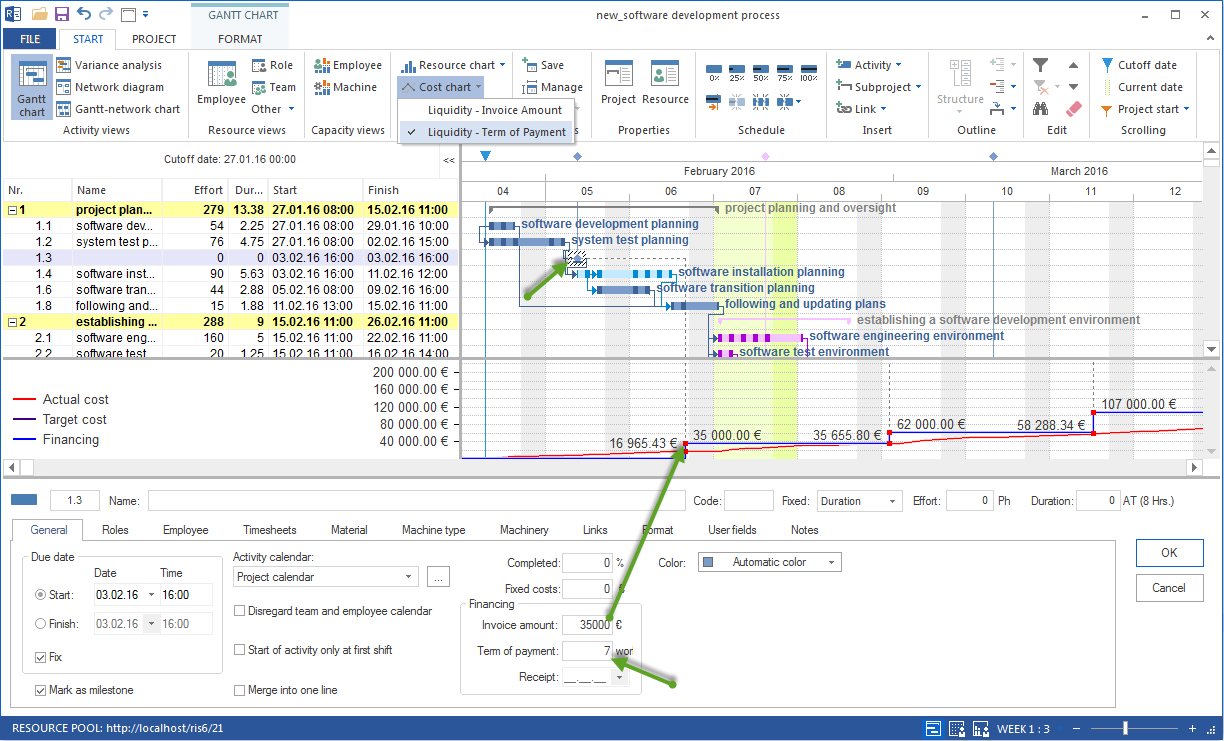
Enter planned incoming payments as separate milestones, for example on the invoicing date.
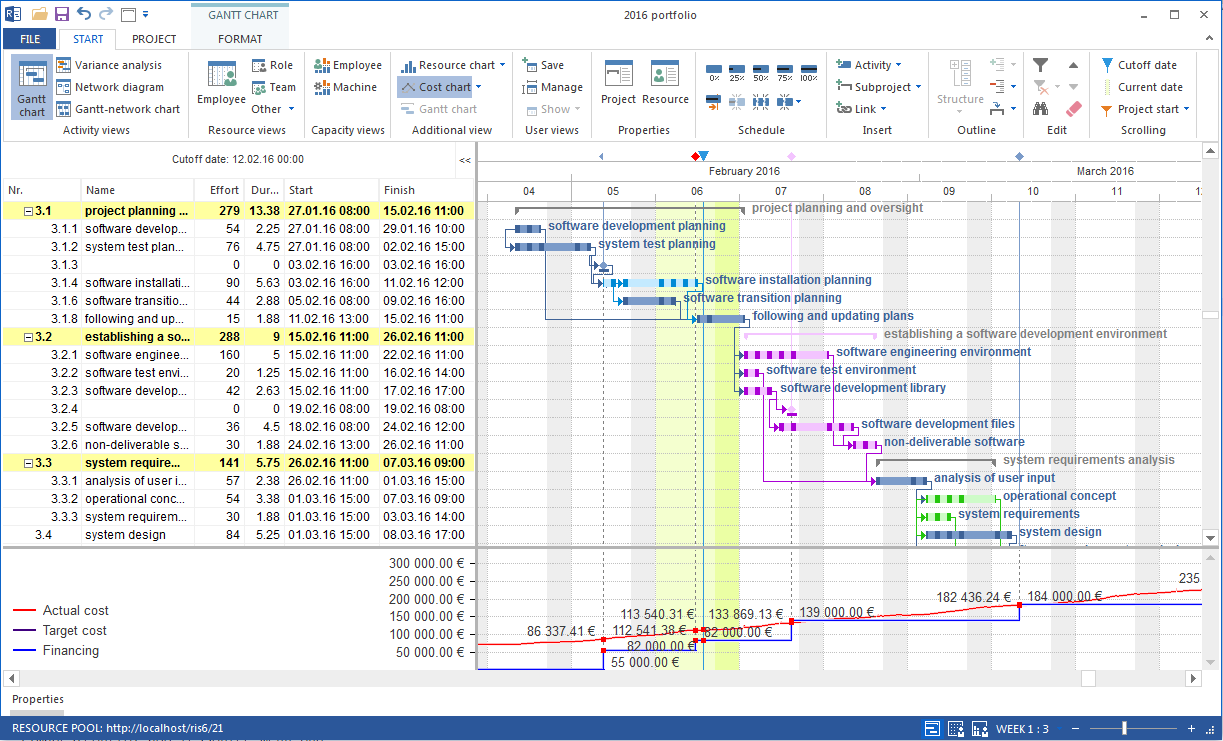
In the cost diagram, check how actual costs and planned financing relate to each other.
If required, switch between financing by invoicing and financing by payment period.
Evaluate whether advance financing or a liquidity bottleneck arises.
Invoicing or Payment Period
Financing can be viewed from two perspectives:
Invoicing: incoming money is professionally connected with the invoice date.
Payment period: incoming money is shifted to the expected payment date.
For control, the payment period is often more meaningful because costs can arise before money is actually available.
Evaluate the Result
Check:
Do actual costs rise earlier than planned?
Do larger cost blocks occur before planned incoming payments?
Does a payment shift because a milestone is late?
Must project date, scope, or invoicing plan be adjusted?
Does the topic belong in the next status report?
Typical Mistakes
Invoice milestones are not maintained.
Payment periods are ignored.
Cost deviations are checked but not compared with financing and liquidity.
Project controlling and commercial evaluation run separately.