Templates
Templates speed up recurring planning and protect standards. Expert use of templates does not start with the command to save a project as a template. It starts with the decision which project structures should be standardised.
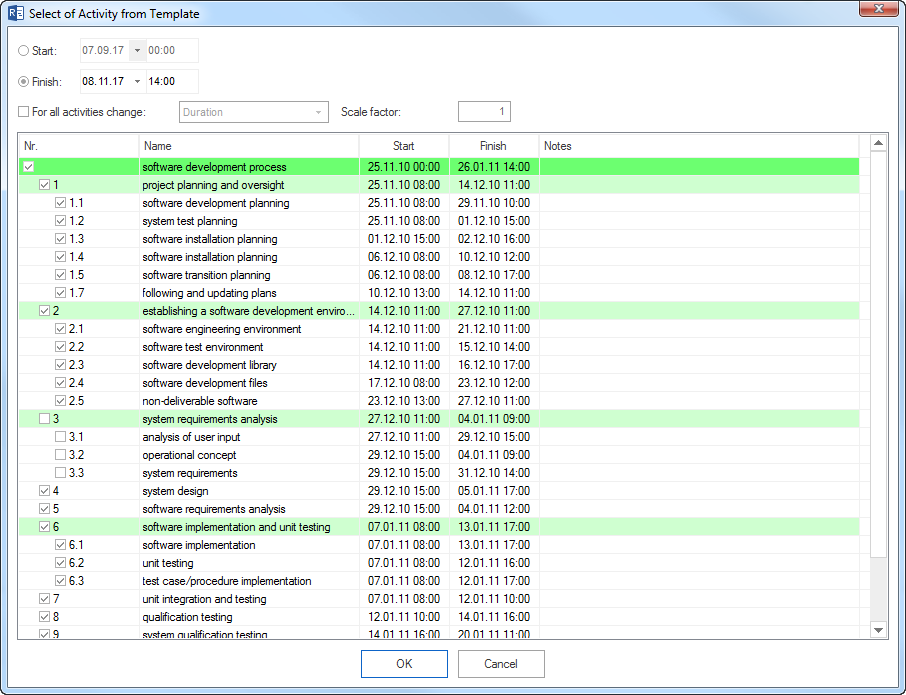
What Is Suitable For Templates
Suitable:
recurring project phases
standard subprojects
recurring activity groups
standard milestones
offer or order structures
typical link chains and approval steps
Not suitable:
one-off special plans
outdated resource or calendar data
project plans with concrete employees that are not generally valid
templates without an owner
templates that contain unreviewed dates, costs, or notes
File Templates Or Server Templates
- File templates
Suitable for individual project managers and local planning. They are quick to use but require manual control to avoid divergent local versions.
- Integration Server templates
Suitable for organisations with several planners, PMO standards, central resource data, and controlled permissions.
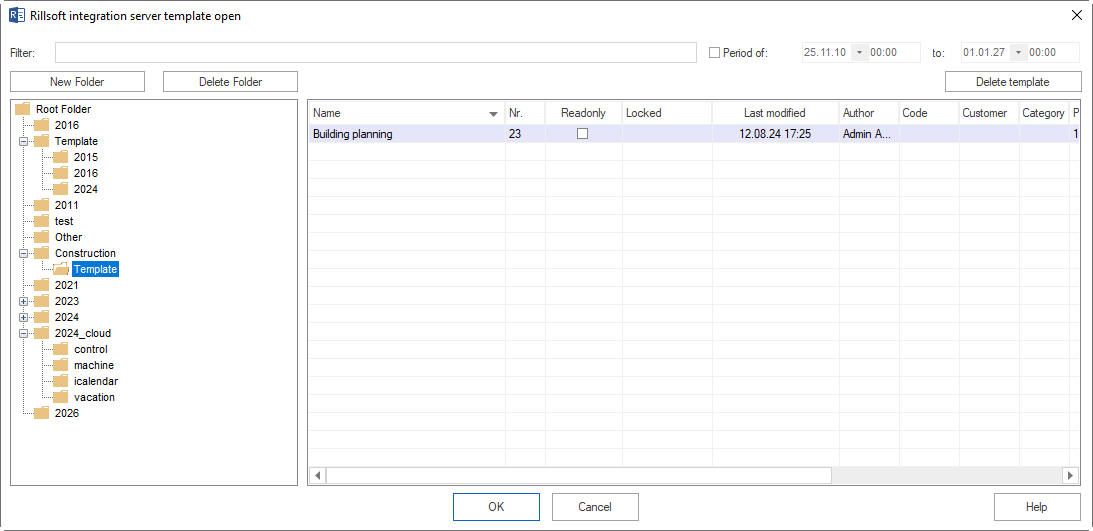
Template Quality Check
Before using or publishing a template, check:
Are activity names current and result-oriented?
Are links technically and logically correct?
Are roles or professional qualifications used instead of old named employee assignments?
Does the template match the current resource pool?
Are dates relative enough to be reused?
Are costs, notes, user-defined fields, and calendars still valid?
Does the template include only the level of detail needed for recurring work?
Saving A Project As Template
Before saving a project as a template, remove data that should not become part of the standard.
Recommended cleanup:
remove concrete employee assignments when the template should be qualification-based
remove obsolete progress values and actual values
check baselines and delete those that do not belong to the template
clean notes, external links, and documents
verify calendars and non-working days
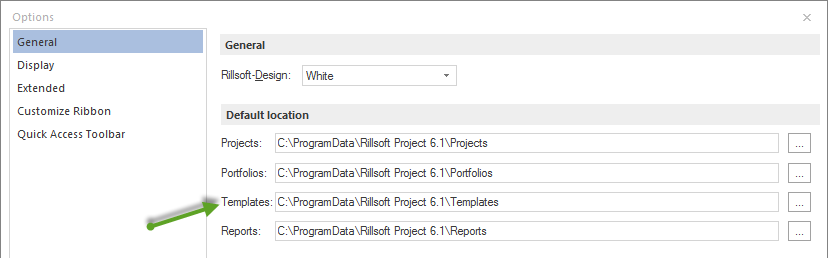
Governance
For central templates, define:
business owner
change process
approval process
versioning rules
valid scope
storage location
review interval
Typical Mistakes
Templates contain old named employee assignments.
Local template copies develop in different directions.
PMO standards are documented elsewhere but not built into templates.
A template is inserted but not checked against current calendars, resources, and dates.
Users treat a copied project as a template although it contains project- specific data.