Plan Resource Demand by Qualifications
Goal
Plan resource demand first by professional qualification. This lets the project plan describe what work is needed without immediately assigning named employees.
Why This Matters
If employees are assigned directly at the beginning, the capacity question often appears too late: Is the employee available? Is there vacation? Is another employee with the same qualification available? Is the team overloaded in this period?
Qualification-based planning reverses that order:
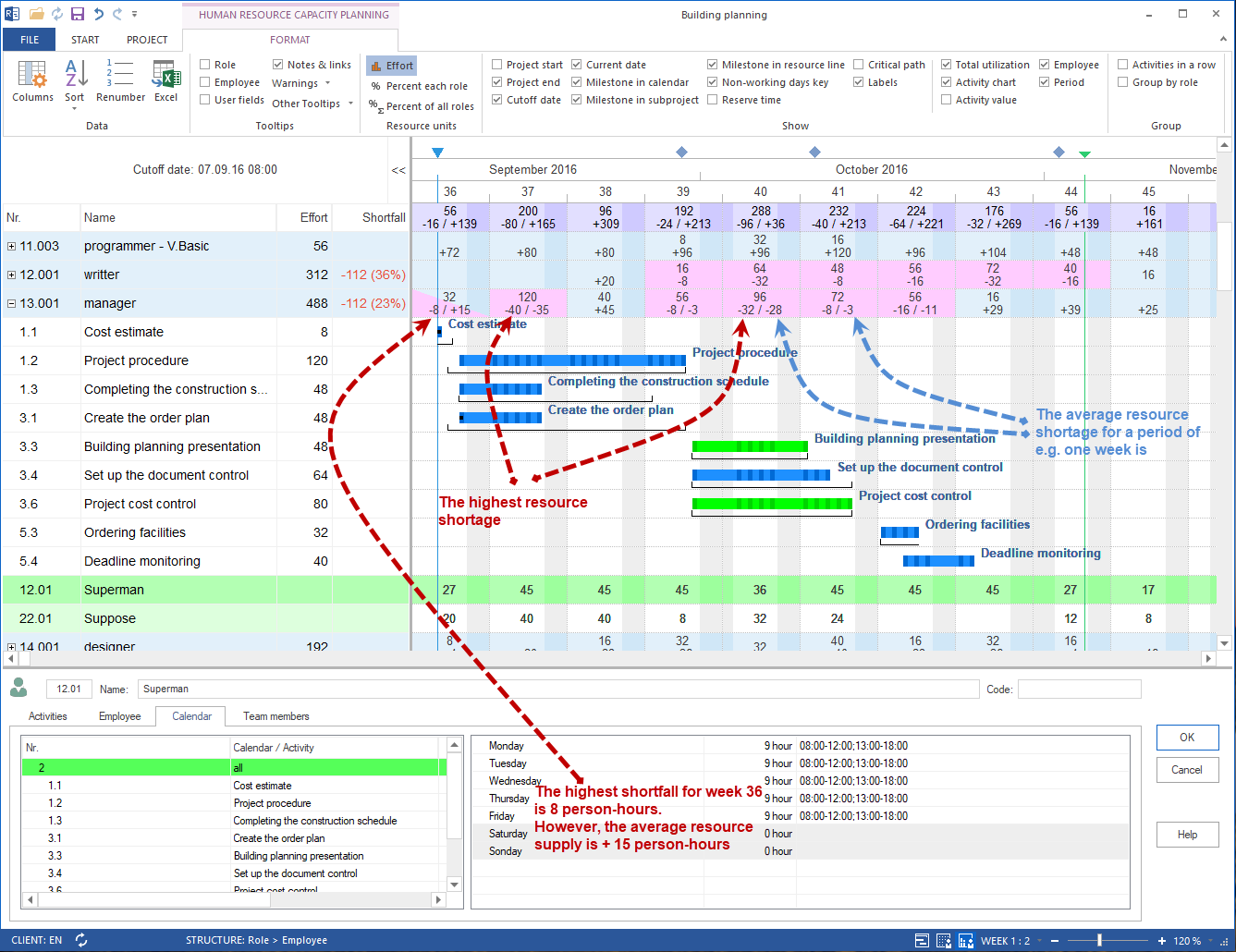
The task describes demand.
The resource pool describes supply.
Capacity balancing checks whether supply and demand match.
Suitable employees are assigned only after that.
Terms
Term |
Meaning in this workflow |
|---|---|
Task |
Schedulable work unit in the project. |
Professional qualification |
Maintained as a role in Rillsoft Project; describes the skill or function required. |
Effort |
Amount of work required for the task. |
Period |
Time range in which the effort should be performed. |
Resource demand |
Combination of qualification, effort, and period. |
Prerequisites
The schedule contains tasks with plausible dates or durations.
The required professional qualifications are available in the resource pool.
The effort per task can be estimated professionally.
Prepare Professional Qualifications
Rillsoft Project maintains professional qualifications in the Roles area. Roles can be organized in groups and maintained with qualification levels, costs, and notes.
Example:
Role: carpenter
Qualification levels: foreman, master, journeyman, apprentice
Costs: hourly rate per qualification level
This structure matters because later capacity balancing does not simply search for a name. It checks whether matching qualifications are available in the planned period.
Workflow
Open the project plan.
Check the tasks that require working capacity.
Open the task properties or the suitable resource view.
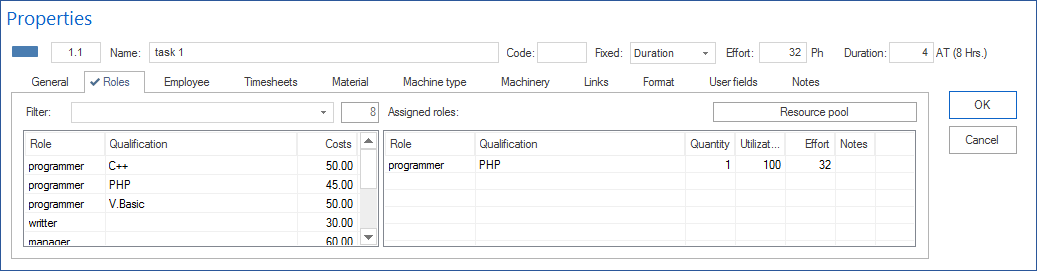
Open the Roles tab in the task properties window. In Filter, enter a string to search for specific roles. Enter two dots
..to show only roles already used in the project. Double-click an entry in the left table to assign that role to the task.Enter the effort, for example in hours or person-days.
Check the period in which the work should be performed.
Repeat the assignment for all capacity-relevant tasks.
Note
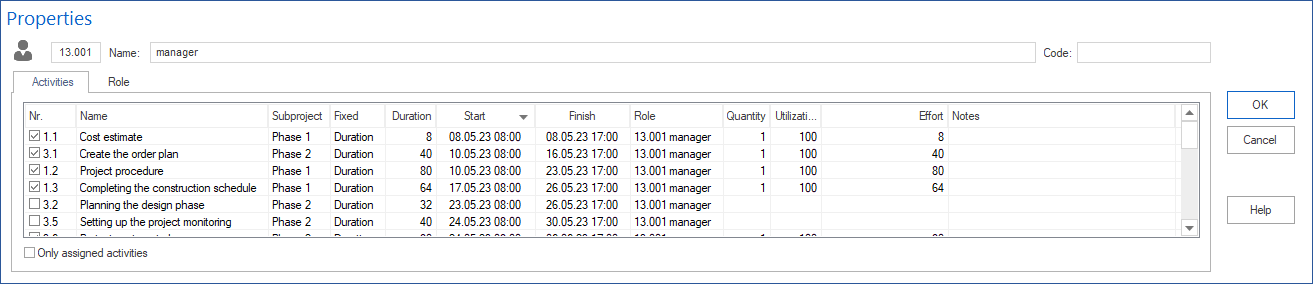
For quick access to resources, use Resource pool for the general resource pool or Project resources for project-specific resources.
Evaluate Resource Demand
After professional qualifications have been assigned, Rillsoft Project can evaluate demand by qualification and period.
Check especially:
Which qualifications are required?
In which period does demand arise?
How much effort is required per qualification?
Are there demand peaks?
Are material, machine types, or machinery also relevant?
Good Practice
Plan demand as concretely as necessary, but do not break it down to individual people earlier than useful.
Useful:
“2 design engineers for 5 days”
“1 project manager with 20 hours of effort”
“welders during the assembly phase”
Defined too early:
“Employee Miller must perform this task”, although several suitable employees may be available.
Typical Mistakes
Roles are misunderstood as people.
Effort is not maintained.
Tasks contain dates but no resource demand.
Qualifications are too general and do not create usable capacity information.
Employees are assigned directly even though capacity balancing should happen first.
Check the Result
Resource demand is complete enough when you can answer these questions:
Which professional qualifications does the project require?
How much effort arises per qualification?
In which period does demand arise?
Can demand be compared with resource supply?
Next Steps
Then check resource supply from the resource pool.
qualification, role, skill, resource demand, open demand, skill-based planning, project manager, resource manager