Baseline or Dynamic Baseline?
Decision
Use a normal baseline when one clearly approved planning status should serve as the comparison basis. Use the dynamic baseline when several saved baselines exist and tasks should be evaluated against different reference statuses depending on progress.
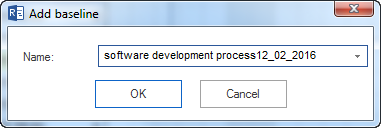
Baseline
A baseline saves the current project status as a fixed comparison basis.
Use a baseline when:
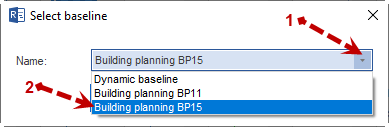
the project plan was approved
a status report is created against a defined planning status
schedule, effort, and cost deviations should be evaluated against a known status
a project should be frozen before execution starts
Dynamic Baseline
A dynamic baseline uses several saved baselines. For tasks, a suitable reference status is used depending on the progress status.
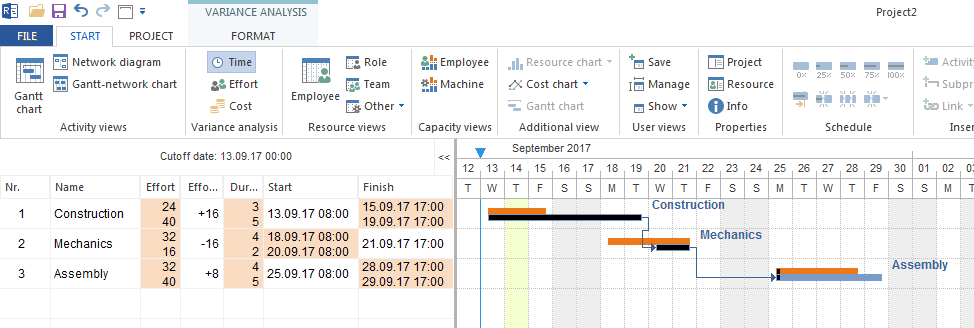
Use it when:
several planning statuses were documented
progress is recorded regularly
started and not-yet-started tasks should be evaluated differently
long projects with several approved planning statuses must be controlled
Decision Table
Situation |
Recommendation |
|---|---|
One approved start plan |
Baseline |
Monthly status reports against the same reference status |
Baseline |
Several approved planning statuses |
Check dynamic baseline |
Progress is maintained regularly |
Dynamic baseline can be useful |
Small projects with few changes |
Baseline is sufficient |
Important
Save baselines deliberately. Too many baselines make evaluation harder and can increase the project file size.