Project Portfolio and Multiproject Management
This section is for users who control several projects at the same time. It explains how to build a project portfolio, how to use the summary project for operational multiproject planning, how to maintain cross-project dependencies, and how to evaluate resources, priorities, and risks across several projects.
A project portfolio makes the project landscape visible. Multiproject management goes further: it evaluates how several projects jointly influence dates, resources, and decisions.
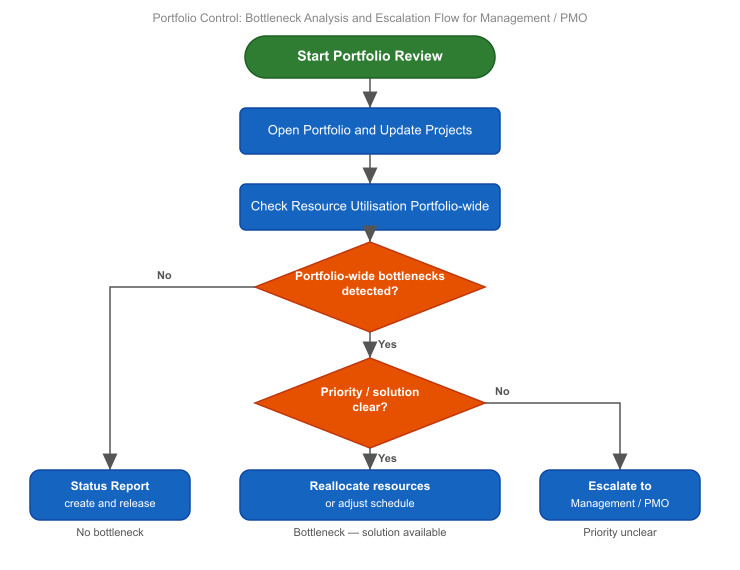
When to Use This Section
Use this section when:
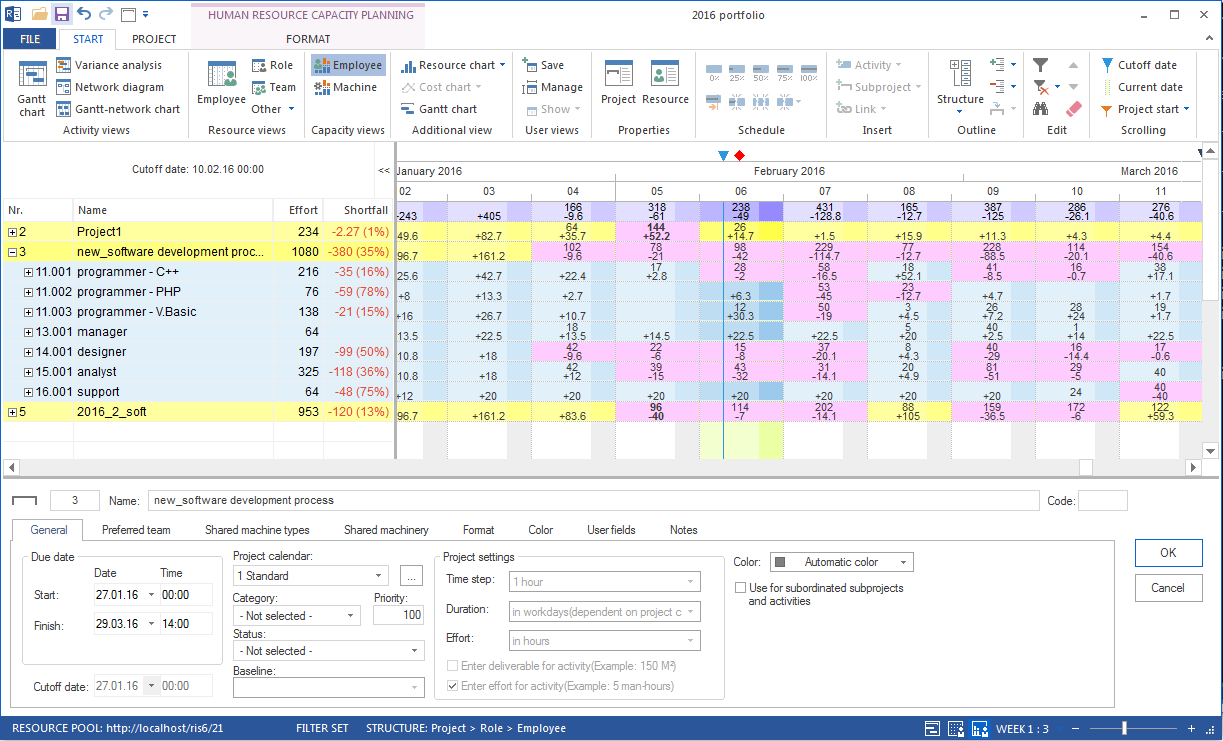
several projects use the same resource pool
employees are planned in several projects at the same time
project priorities are needed for resource decisions
dependencies between projects should be visible
PMO or management need a common view of project status, risks, and bottlenecks
several project managers plan related projects at the same time, see Planning as a Team: Multi-User Work and Summary Projects
Basic Principle
Rillsoft Project supports two central views of several projects:
- Project portfolio
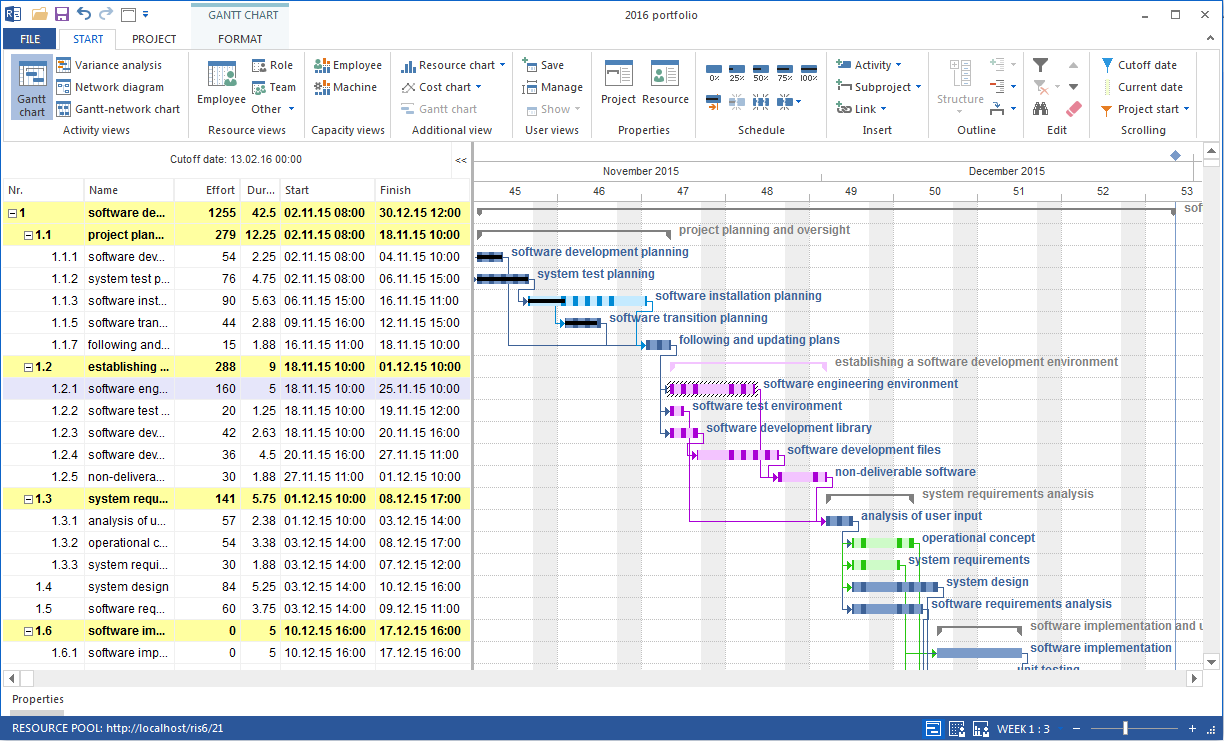
Several separate individual projects are displayed and evaluated together. The portfolio is especially suitable for overview, analysis, capacity checking, simulation, and status evaluation.
- Summary project
Several projects are planned operationally together. The summary project is especially suitable when projects are edited directly together and cross-project dependencies are relevant.
The most important prerequisite is a shared resource pool. Only then can Rillsoft Project calculate cross-project utilization correctly.
Next Steps
portfolio, multiproject, master project, shared resources, project selection, multiproject planning, multiple projects, project portfolio, pmo, executive management, project manager