XML
XML is an important exchange format for project import, project export, and integration with other project management systems. For expert users, the key question is not only which menu item starts XML import or export, but how XML data is translated into the Rillsoft planning model.

Typical Use Cases
import from Microsoft Project XML
export to Microsoft Project XML
export to Rillsoft XML
XML for web publication
data transfer to external systems or integration processes
Import From Microsoft Project XML
During import from Microsoft Project XML, resources from the imported file must be interpreted and mapped to Rillsoft Project resource types.
Possible mappings include:
roles or professional qualifications
teams
employees
machine types
machinery
This mapping is a planning decision. A resource in the source system may represent resource demand, a named assignment, or a generic resource category. If all imported resources are treated as employees, later capacity balancing may produce misleading results.
Export To Microsoft Project XML
Export to Microsoft Project XML is useful when project plans must be handed to partners or other systems. Before exporting, clarify:
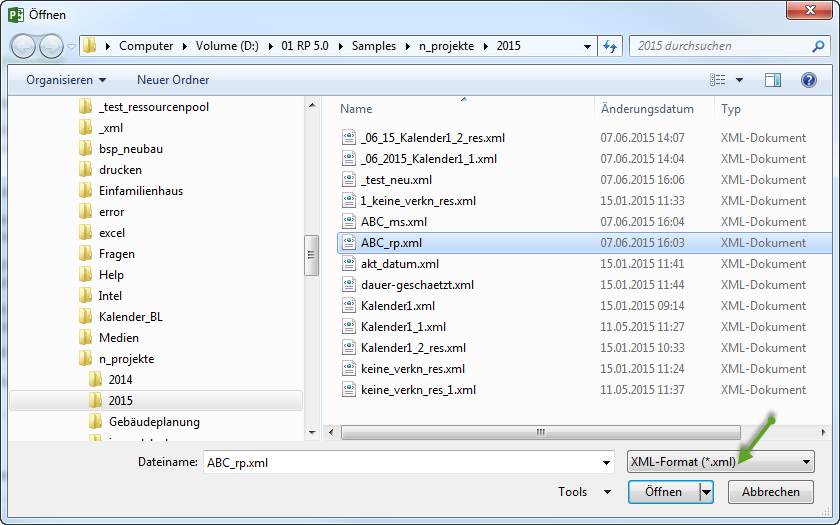
which activities and subprojects should be transferred
which resource information may be shared
whether calendars and working days are meaningful for the recipient
whether costs, notes, or user-defined fields are required
whether the recipient works with roles, named employees, or machines
XML For Web
Rillsoft Project can export XML for web publication. This is useful when project data should be made available in an intranet or a separate web process.
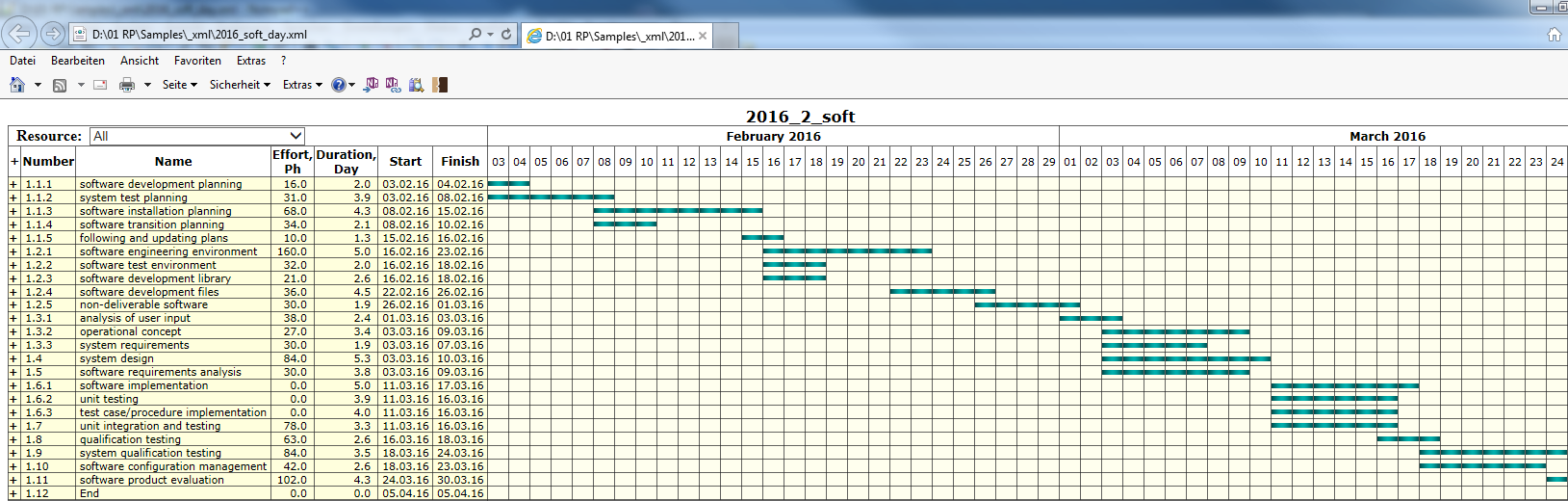
Treat this as publication, not as backup. Check which project information is included and whether the target audience is allowed to see it.
Quality Check
After every XML import or export, verify:
project structure
activities, duration, start, and finish dates
links and link types
calendars and non-working days
resource types and assignments
capacity balancing
baseline or variance context, if relevant
opening and interpretation in the target system
Typical Mistakes
Imported resources are all mapped as named employees.
Role-based demand and employee assignments are mixed accidentally.
Calendar logic from the source system does not match the Rillsoft plan.
No capacity balancing is performed after import.
Exported XML is not opened and checked in the target system.
XML output is used as an uncontrolled publication channel.