Build a Project Structure
A good project structure is the basis for every reliable schedule. Before durations, dates, or resources are entered, it must be clear how the project is organized.
Rillsoft Project structures projects with subprojects, tasks, and milestones. Subprojects combine tasks that belong together professionally. Milestones mark important decision points or delivery dates.
Clarify Before Building
Before creating subprojects and tasks, clarify the professional structure:
By which principle is the project structured? By phases, trades, deliverables, locations, or departments — choose one principle that fits your project and apply it consistently.
How deep should the structure be? Two to three levels (project — subproject — task) are sufficient for most projects. Deeper structures make control and evaluation harder.
Who reads the structure? Project managers, resource managers, and management should understand the structure without explanation. Internal code names do not belong in task names.
Typical Structuring Principles
Principle |
Suitable for |
Example subproject names |
|---|---|---|
Phases |
Projects with clear phases and milestone reviews |
Concept, Planning, Realization, Test, Rollout |
Trades |
Construction projects, technical installations |
Shell, Roof, Heating, Electrical, Interior |
Deliverables |
Product development, IT projects |
Frontend, Backend, Database, Documentation |
Departments |
Organizational projects, cross-location initiatives |
Sales, Production, HR, IT |
Locations |
Multi-site projects, international initiatives |
Plant North, Plant South, Headquarters |
Create a Subproject
New empty subproject:
Click the required position in the task list.
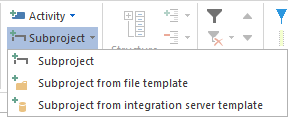
Choose Start > Insert > Subproject or the context menu command New Subproject.
Enter the name.
Define the subproject start and finish if required.
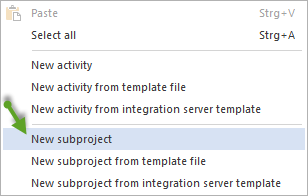
You can also create a subproject directly in the Gantt chart by opening the context menu in the chart area and choosing New Subproject.
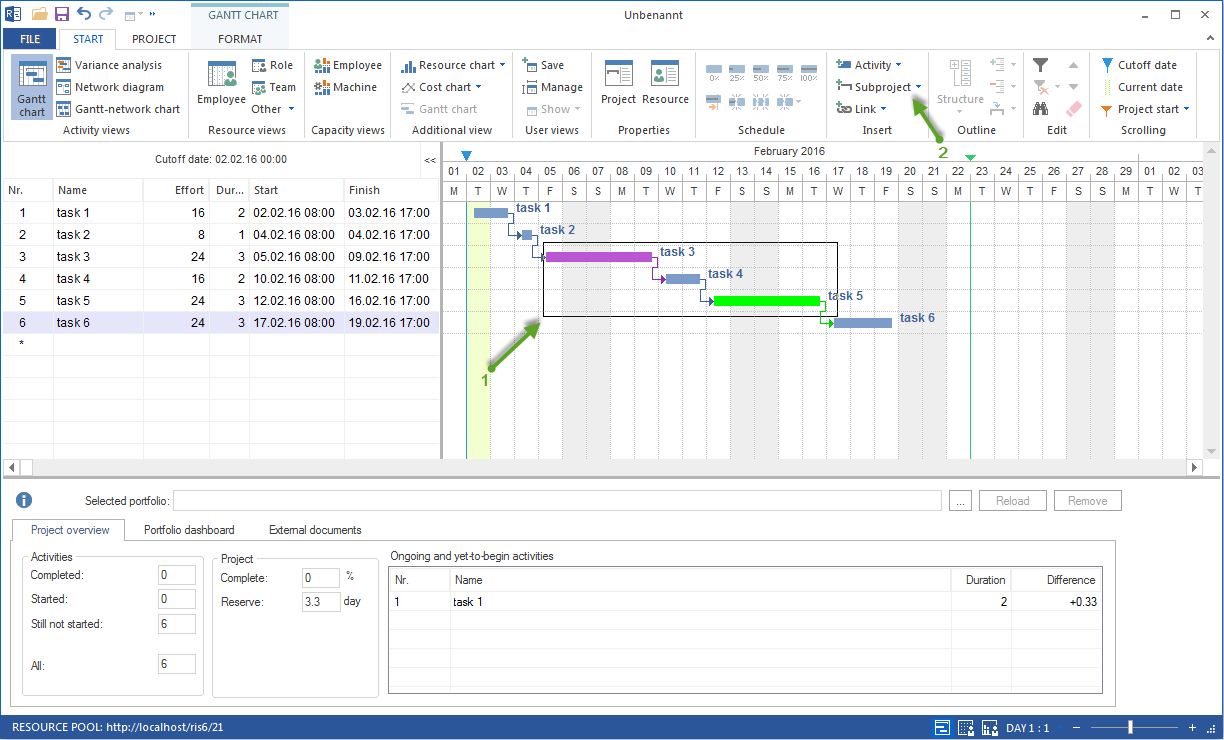
Combine tasks into a subproject:
Select the tasks that belong together.
Choose Start > Insert > Subproject. The selected tasks are moved into the new subproject; its start and finish are calculated from them.
Give the subproject a meaningful name.
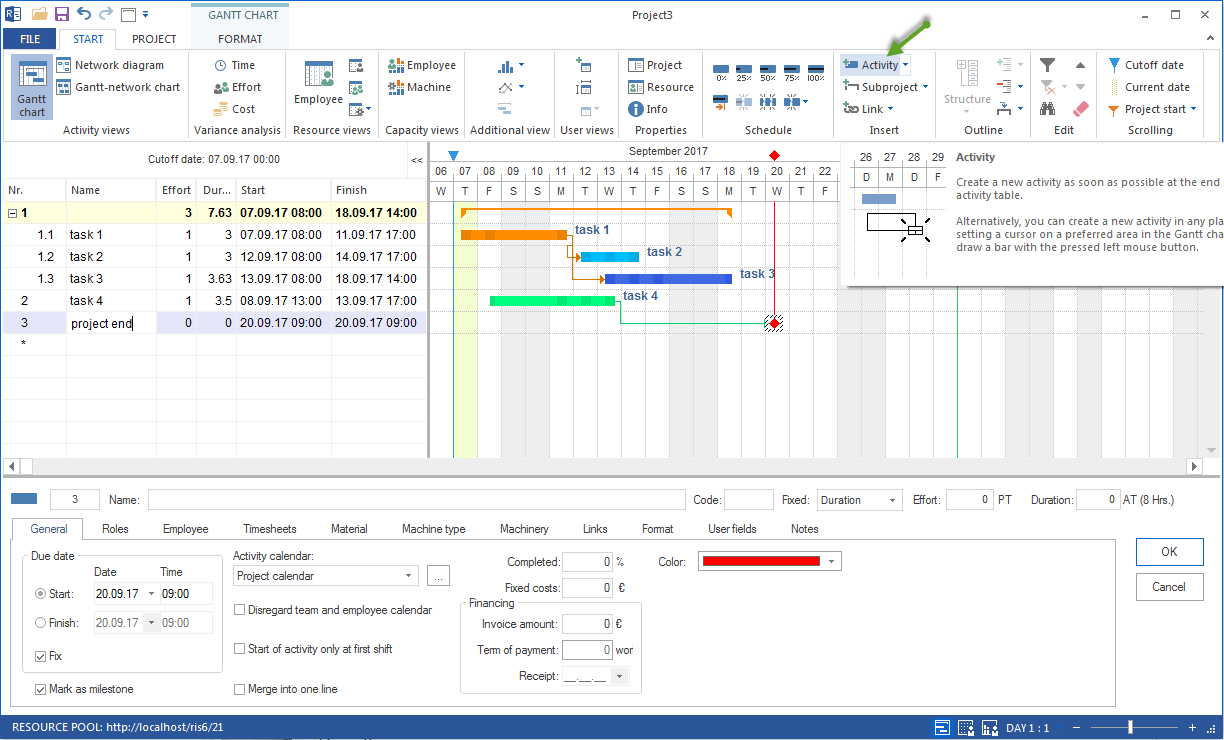
Rillsoft Project shows subprojects as condensed bars in the Gantt chart. The subproject start and finish are calculated from the contained tasks.
More about subproject management (opening, editing, deleting): Manage Subprojects
Set Milestones
Milestones are tasks with zero duration. They mark decision points or delivery dates.
Create a milestone:
Choose Start > Milestone or drag a point onto a date column in the Gantt chart.
Enter a clear name.
Set the date.
Use milestones deliberately:
approvals (design approval, budget approval, acceptance)
delivery dates towards the customer
phase transitions
contract dates
Too many milestones make the plan hard to read. As a guideline: one milestone per subproject or deliverable.
Check the Structure Quality
Before entering durations and dependencies, check the structure:
Is every subproject professionally separated and independently nameable?
Does every task have a clear end (a result or state, not just an activity)?
Are there tasks that actually describe several steps? (split them)
Are there tasks so small that they cannot be controlled? (combine or drop them)
Are milestones placed at professionally meaningful points?
Typical structure mistakes: Best Practices
Connection to Resource Planning
The project structure determines how resource demand can be assigned. The more clearly tasks are separated professionally, the more precisely the required professional qualification can be described.
Tasks that are too coarse (for example “Realization”, 6 months) make qualification-based planning imprecise.
Tasks that are too fine (individual jobs of a few hours) make capacity balancing harder.
Recommendation: task durations between 1 and 20 working days keep the plan controllable.
Related Topics
project structure, subproject, work package, milestone, task hierarchy, schedule, gantt, bar chart, timeline, critical path, dependency, project manager