Derive Resource Supply From the Resource Pool
Goal
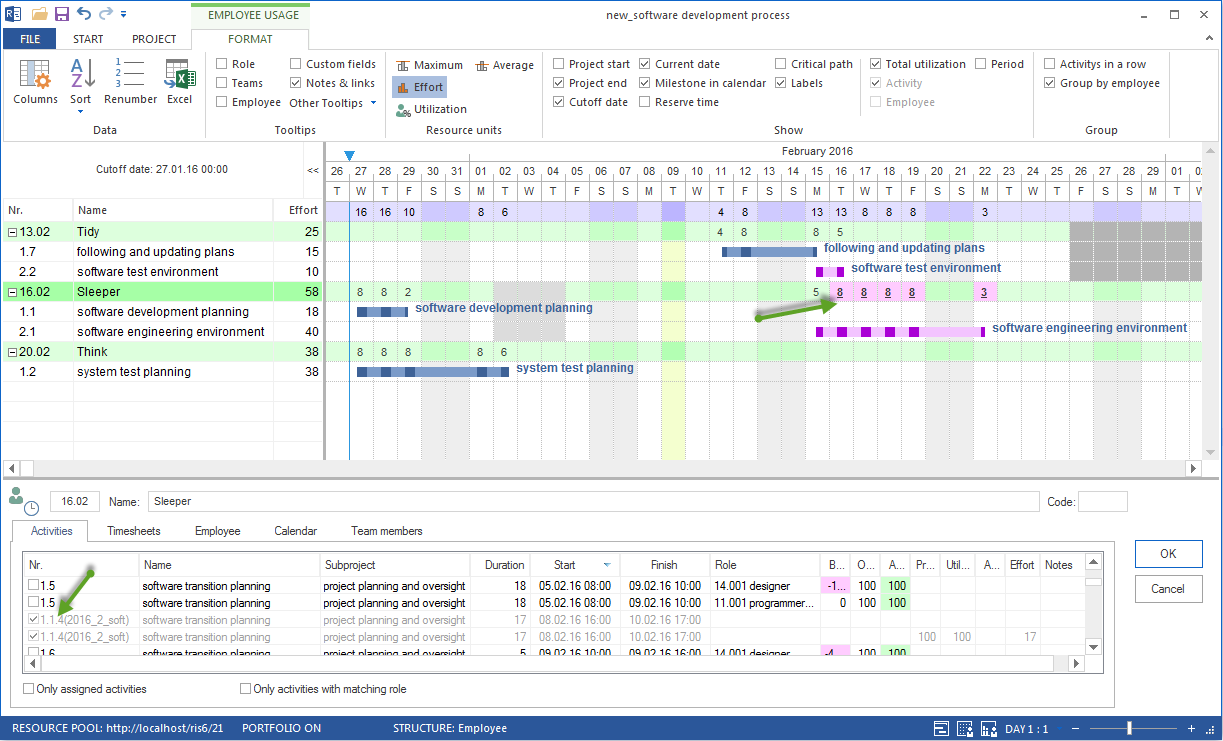
Check which working capacity is available in the resource pool and which employees have the required professional qualifications.
Basic Idea
The resource pool describes resource supply. For capacity planning, it is not enough to enter employees. Rillsoft Project also needs information about when those employees are available and which professional qualifications they have.
Resource supply includes:
employees
employees’ professional qualifications
working times and calendars
shift calendars
non-working days
team memberships
productivity
start and leaving date
Open the Resource Pool
Open the resource pool with Start > Properties > Resources. The Resource pool dialog contains several tabs, including calendars, roles, teams, and employees.

Important: Check whether you are working with a general resource pool. The name and path of the current resource pool file are shown in the left part of the status bar. If the status bar shows Project resources, switch to the resource pool.
For personnel capacity planning, these tabs are especially relevant:
Calendars for working times, holidays, and exceptions
Roles for professional qualifications
Employees for employees, calendars, non-working days, and roles
Check Employees’ Professional Qualifications
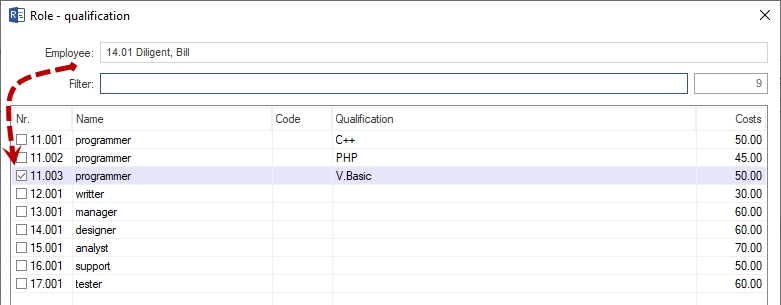
Employees must be connected with the professional qualifications they can perform. In Rillsoft Project, this is done by assigning roles in the employee area.
Check:
Is the role available in the resource pool?
Is the suitable qualification level maintained?
Is the role assigned to the employee?
Can the employee perform several roles?
Are costs or productivity maintained differently?
Check Employee Data
For resource supply, names alone are not enough.
Check each employee for:
first name and last name
unique code if data is exchanged
email address if communication or interfaces are relevant
calendar
start date
leaving date
shift calendar
non-working days
team membership
professional qualifications
productivity
costs
Observe the Calendar Hierarchy
If no employee calendar is selected, Rillsoft Project searches for a valid calendar in this hierarchy: team calendar, task calendar, project calendar.
For capacity planning this means:
A missing employee calendar is not automatically wrong.
Actual capacity depends on which calendar takes effect.
If availability is unexpected, check calendar assignment first.
Classify Teams
Teams help group employees organizationally. For capacity planning, teams are especially important when:
several employees are planned together
team calendars apply
non-working days are also defined at team level
resource managers check capacity by team
Teams do not replace professional qualifications. A team says where an employee belongs organizationally; a role says which work the employee can perform professionally.
Note
Direct team assignment to tasks is available only in the Standard edition of Rillsoft Project. In the Light, Professional, and Enterprise editions, a task receives its team assignment indirectly through assigned employees and their team membership in the resource pool.
Material, Machine Types, and Machinery
The new resource planning workflow first focuses on personnel. Rillsoft Project can also maintain material, machine types, and machinery.
Separate these resource types professionally:
Employees: working capacity of employees
Professional qualification: skill or role required for a task
Material: consumable or material demand
Machine type: required type of machine
Machinery: specific available machine
Check the Result
Resource supply is reliable when you can answer these questions:
Which employees are maintained in the resource pool?
Which professional qualifications do they have?
Which calendars and working times apply?
Which non-working days are stored?
Are start and leaving dates relevant?
Is there team or shift logic that affects availability?
Next Steps
Then check working times and non-working days in more detail before evaluating capacity balancing.