Why Is an Activity Not Movable?
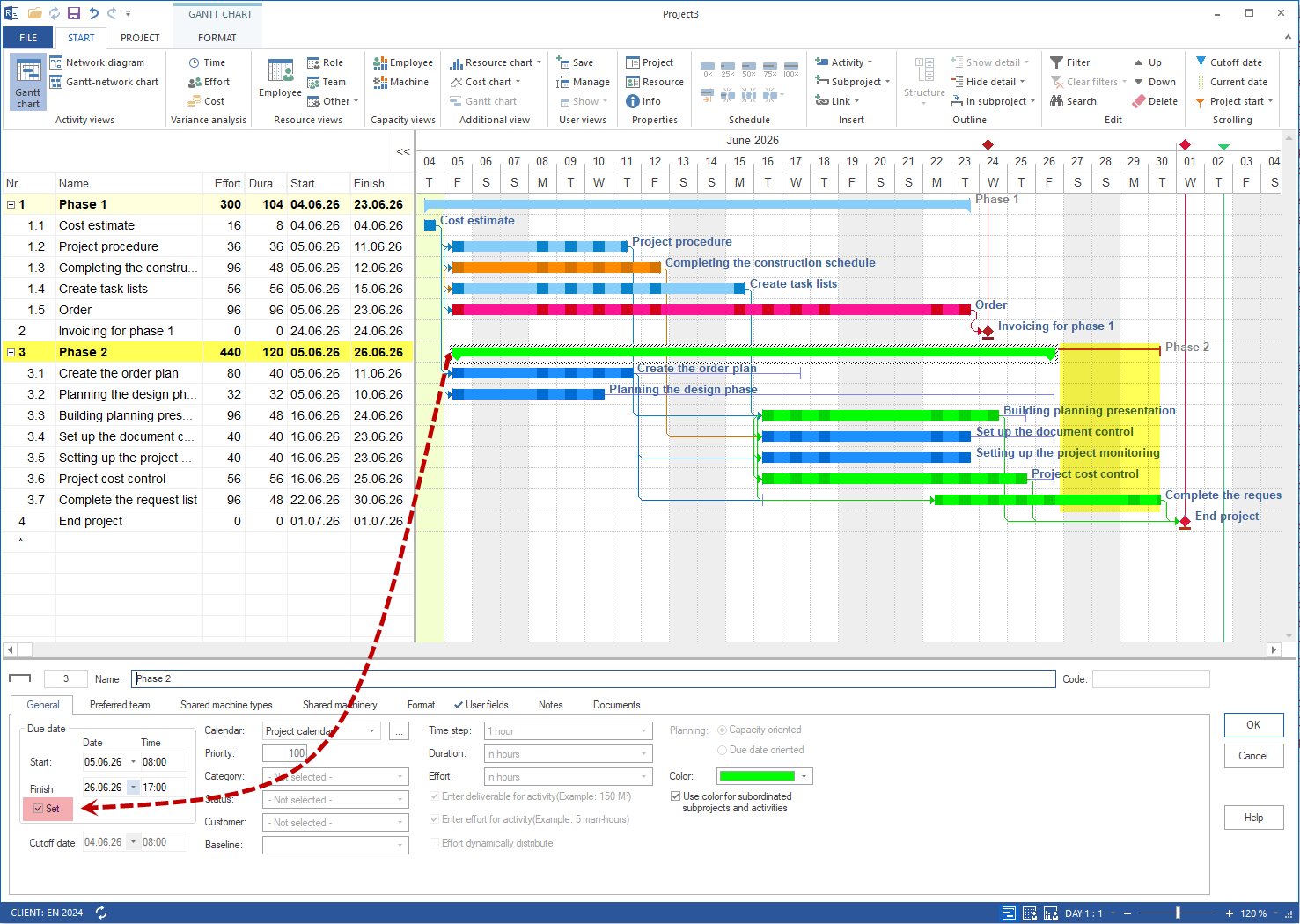
An activity cannot be moved if it is fixed, if a backward schedule shift must first be confirmed, if a dependency prevents the earlier position, or if the parent subproject has fixed dates. First check the General tab of the activity properties to see whether the activity is fixed.
Symptom
An activity cannot be moved with the mouse, jumps back to its original position after moving, or requires a separate confirmation before it can be moved.
Cause 1: The Activity Is Fixed
Fixed activities are not moved automatically during schedule shifts. They remain on their set date even if predecessors move.
Check:
Open the activity properties.
Switch to General.
Check whether Fix date is enabled.
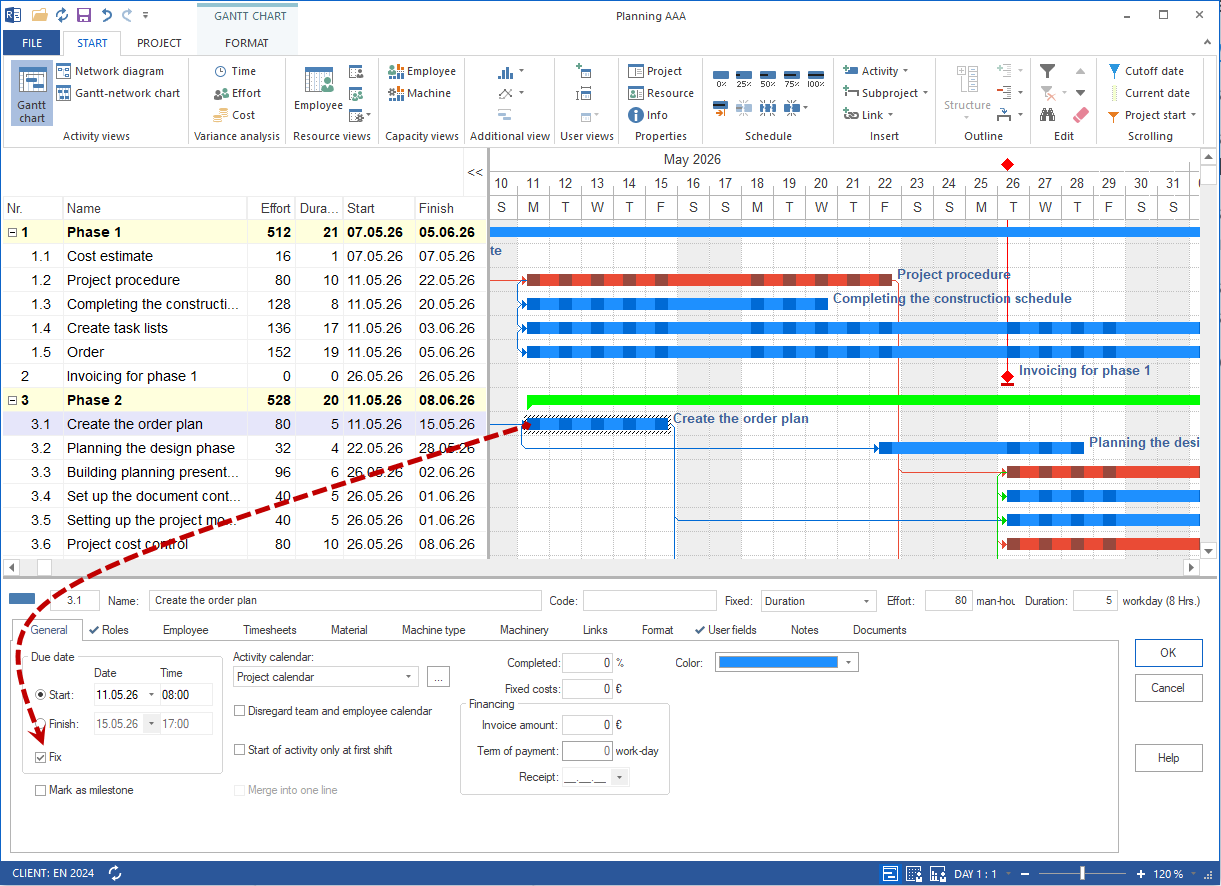
Solution:
Disable the fixed date if the activity should remain movable. If the fixed date is technically required, adjust the date deliberately and document the reason.
Cause 2: Backward Schedule Shift
When an activity is moved earlier, Rillsoft Project requires explicit confirmation. Without this confirmation, the activity can jump back.
Solution:
Confirm the backward schedule shift using the displayed context menu item or dialog.
Cause 3: Dependency Prevents the Earlier Position
A successor cannot be moved freely before its predecessor if the dependency prevents that sequence.
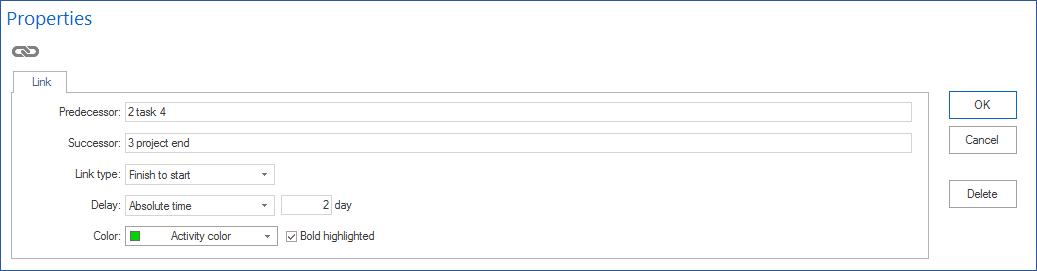
Check:
Open the network diagram view.
Check predecessor, successor, and dependency type.
Check whether a lag is entered.
Solution:
Move the predecessor first, change the dependency type, or enter a technically justified negative lag.
Cause 4: Subproject with Fixed Dates
If the parent subproject has fixed start or finish dates, contained activities can only be moved within that frame.
Check:
Open the subproject properties and check the fixed dates.