Why Are Activities Not Rescheduled After Plan Changes?
Successors do not move after a plan change if the activity is manually scheduled, if dependencies between predecessor and successor are missing, or if the successor is fixed. First check on the General tab of the activity properties whether Schedule manually is enabled, and check in the network diagram whether the activities are linked.
Symptom
An activity was moved or extended, but dependent successors do not move with it.
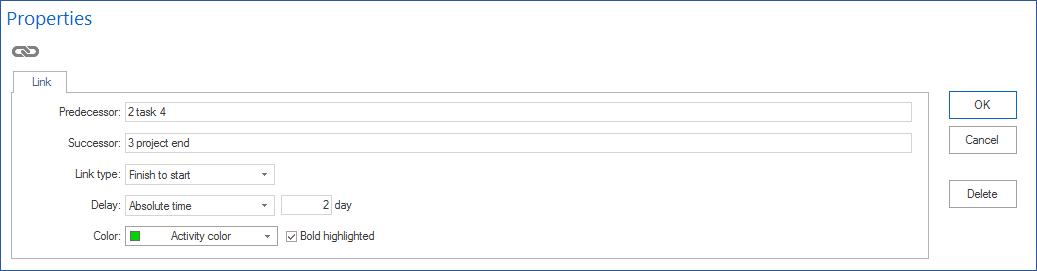
Cause 1: Successor activities are not shifted backward
Successor activities are not automatically shifted backward when changes are made to predecessor activities.
Check:
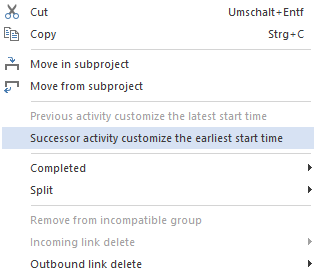
Whether successor activities should be adjusted to the earliest possible start date.
Solution:
Open the context menu of the predecessor activity.
Select Adjust successor activities to the earliest possible start date.
Cause 2: Dependencies Are Missing
Without a dependency, there is no technical relationship. The successor does not know that it should react to the predecessor.
Check:
Open the network diagram view and check whether a connection exists between predecessor and successor.
Solution:
Add the missing dependencies.
Cause 3: Successor Is Fixed
A fixed activity remains on its set date even if the predecessor moves.
Check:
Open the activity properties of the successor and check Fix date.
Solution:
Disable the fixed date or adjust the fixed date deliberately by hand.